GoFluxTv IPTV for Firestick: Full Setup Guide
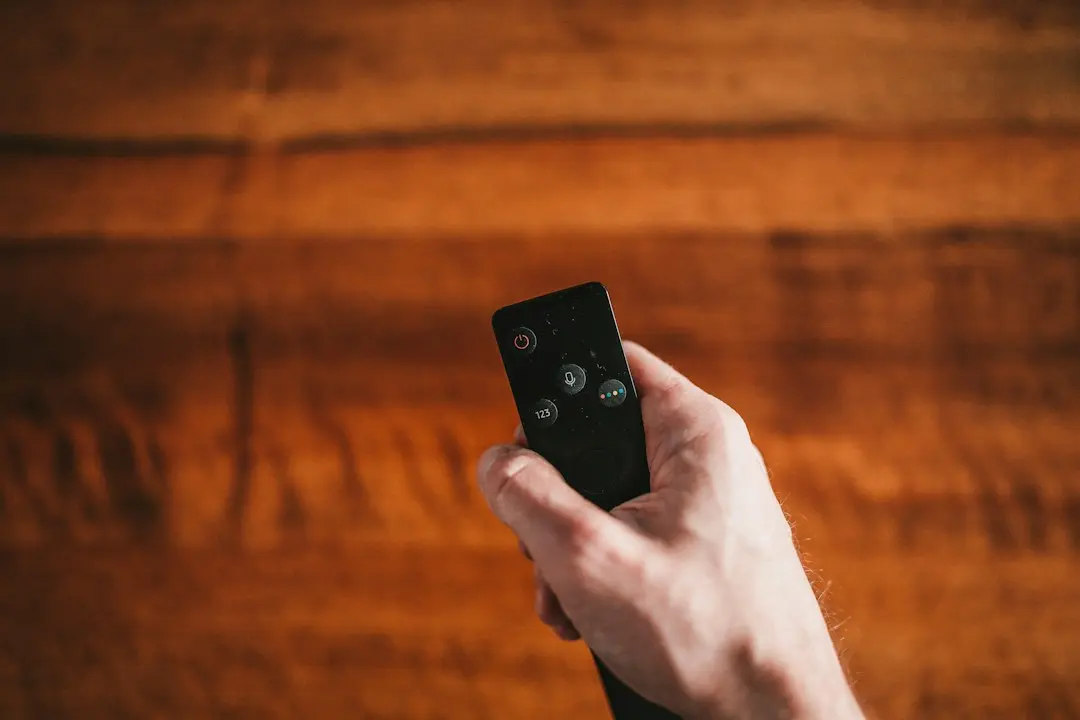
Looking for IPTV for Firestick that you can set up in one evening? GoFluxTv works on the Amazon Fire TV Stick and Fire TV with a free player app, the login details the team sends you, and about ten minutes of clicking through menus. This guide walks through the whole path with GoFluxTv: choosing a plan, getting the app onto the stick, signing in and fixing the usual snags.
Nothing here needs a computer or a cable. You only need the Fire TV remote, a Wi-Fi or wired connection, and a subscription or free demo.
What you need before you start with GoFluxTv on Firestick
Three things, in this order:
- A plan or a free demo. GoFluxTv sells one-screen plans for 3, 6 or 12 months, and 12-month packs for 2, 3 or 4 screens. If you want to test first, ask for a free demo on WhatsApp and mention that your device is a Fire TV Stick.
- Your login details. After payment, your subscription details (login and server address) arrive by WhatsApp or email within 2 hours. Keep that message open on your phone; you'll copy from it.
- A player app. GoFluxTv has no app of its own. The setup guide names two players for the Fire TV Stick: IPTV Smarters and TiviMate. Both are third-party apps; GoFluxTv supplies the subscription that plays inside them.
One point to settle early: a one-screen plan plays on one device at a time. If the Firestick in the living room and a phone in the bedroom should both play at once, look at the 2-, 3- or 4-screen packs on the pricing page.
How to install IPTV on Firestick: the Downloader route
Player apps for IPTV aren't always listed in the Fire TV app store, so the setup guide uses Downloader, a free app that is in the store, to fetch them. Searches like "how to download iptv on firestick" (140 a month in the US) and "how to install iptv on firestick" (90) are mostly about this one step.
Step 1: install Downloader
- On the Fire TV home screen, open Search (the magnifying glass).
- Type Downloader, select it and choose Download (or Get).
- Once it's installed, don't open it yet.
Step 2: allow apps from outside the store
- Go back to the home screen and open Settings.
- Choose My Fire TV, then Developer Options.
- Open Install unknown apps (on some models it's called Apps from Unknown Sources).
- Find Downloader in the list and switch it on.
If you don't see Developer Options, open My Fire TV → About and click the device name seven times; the menu appears. This setting only lets Downloader install apps; it doesn't change anything else on the stick.
Step 3: download the player
- Open Downloader and accept its permission prompts.
- Enter the download link for IPTV Smarters or TiviMate. Ask the team on WhatsApp for the current link: download addresses change, and copying an old one from a random video is how people end up with a broken or fake app. The team sends the link they use themselves.
- Click Go, wait for the download, then choose Install and Done.
You can delete the downloaded installer afterwards to free storage; Downloader asks you when the install finishes.
Sign in to GoFluxTv IPTV on Firestick with Xtream Codes
This is the part that matters most, because the login type decides whether the TV guide and the movie library show up properly. The guide uses Xtream Codes on the Fire TV Stick.
In IPTV Smarters:
- Open the app and accept the terms.
- Choose Login with Xtream Codes API.
- Fill in the fields from your login message: any name you like for the profile, then the username, the password and the server address exactly as sent.
- Select Add User and wait a few seconds while the channels, the movie and series library and the guide load.
In TiviMate:
- Open the app and choose Add Playlist.
- Pick Xtream Codes.
- Enter the server address, username and password from your login message, then confirm.
Type slowly with the remote; a missing letter in the server address is the most common reason a login fails. A tip: Fire TV's on-screen keyboard has a ".com" key and the remote has a microphone, but spelling the server address by voice often adds spaces, so typing is safer.
What GoFluxTv on Firestick gives you after login
Once you're signed in, the player shows three sections fed by your subscription:
- Live TV: 50,000+ live channels from countries around the world, sorted into groups. Pick a group, then a channel; double-click the small preview to go full screen.
- Movies and series: 134,000+ titles on demand, and the library is updated regularly.
- TV guide (EPG): the programme grid for the live channels. In IPTV Smarters you load it from the guide section of the app; you don't need to type a separate guide address.
Picture quality runs in HD, Full HD or 4K depending on the channel. The Fire TV Stick 4K models can show the 4K streams on a 4K TV; older HD sticks simply play the HD versions.
What makes good IPTV for Firestick?
"Best iptv for firestick" gets about 480 searches a month in the US, and many answers you'll find are ranking lists. A more useful approach is a short checklist you can run against any provider, GoFluxTv included:
| Check | What to look for | GoFluxTv |
|---|---|---|
| Works with standard players | Xtream Codes or M3U login for apps like IPTV Smarters and TiviMate | Xtream Codes login for IPTV Smarters or TiviMate |
| Clear prices | Total price per plan, no hidden renewal | $29 for 3 months, $44 for 6, $65 for 12 (one screen) |
| Screens | How many devices can play at once | 1 per plan, or packs for 2, 3 or 4 screens |
| A way to test | A demo or trial before paying | Free demo on request, on WhatsApp |
| Refund terms in writing | Conditions you can read before ordering | 15 days, in listed cases (refund policy) |
| Setup help | A real person when the stick won't cooperate | WhatsApp support 24/7 |
For the bigger picture, our guide on how to choose an IPTV service goes through each of these points in more detail.
Fixing common Firestick problems
"Invalid login" or "authorization failed". Re-check the server address, username and password character by character against the message. Make sure you picked Xtream Codes, not M3U.
Downloader says it can't install. Go back to Settings → My Fire TV → Developer Options → Install unknown apps and confirm Downloader is switched on.
The guide is empty. Give it a minute after the first login, then refresh the guide from the player's settings. If it stays empty, message support.
The picture stutters on some channels. Try another channel to see whether it's one stream or all of them, restart the stick from Settings → My Fire TV → Restart, and if your router is close, a wired adapter for the Fire TV is worth trying. If it continues, the GoFluxTv team on WhatsApp can check the account with you.
Another device is already watching. A one-screen plan plays on one device at a time; stop playback on the other device, or move to a screen pack.
For Smart TVs, phones, iPads and MAG boxes, the IPTV setup guide has the steps for each device.
FAQ
Is IPTV on a Firestick hard to set up?
Not really. It's four steps: install Downloader, allow it to install apps, download IPTV Smarters or TiviMate with the link the team sends, and sign in with Xtream Codes. Most of the time goes into typing the login with the remote.
Which IPTV player for Firestick does GoFluxTv use?
The GoFluxTv guide names IPTV Smarters and TiviMate for the Fire TV Stick. Both are third-party apps that read your login; see our article on IPTV Smarters Pro for how the app and the subscription fit together.
How do I download IPTV on Firestick without a computer?
Use the Downloader app from the Fire TV store. Enable it under Developer Options, then enter the download link for your player. Ask the team on WhatsApp for the current link rather than copying one from elsewhere.
Can I use GoFluxTv on a Firestick and a phone at the same time?
Only with a screen pack. One-screen plans allow one device at a time; the 12-month packs cover 2 screens for $120, 3 for $155 or 4 for $210.
How long until I can watch after ordering?
Your login details arrive by WhatsApp or email within 2 hours of payment. Setting up the Fire TV Stick then takes a few minutes.
Start watching GoFluxTv on your Firestick
Setting up IPTV for Firestick comes down to the right app, the right login type and a correct server address. GoFluxTv covers the parts that aren't yours to guess: the team sends the current download link, your login arrives within 2 hours, and WhatsApp support is there 24/7 if the stick refuses to cooperate.
Want to see it on your own TV first? Ask for a GoFluxTv free demo. Ready to start? Compare the plans and pick one screen or a pack.
Want to try GoFluxTv?
Ask for a free trial on WhatsApp, or pick a plan: 3, 6 or 12 months, from $29.
Related articles
GoFluxTv: How to Choose the Best IPTV Service
Looking for the best IPTV service? GoFluxTv's honest checklist: prices, screens, refund terms, contracts, support and lookalike sites to avoid.
Read the article
GoFluxTv: Your IPTV Provider in the USA
Using GoFluxTv as your IPTV provider in the USA: prices in dollars, how to pay, the devices it runs on, delivery and refund terms for US customers.
Read the article
GoFluxTv IPTV Reseller: Credit Packs and How the Panel Works
GoFluxTv IPTV reseller credits: 120, 240 or 360 credits for $330, $550 or $799, a panel to create, manage and renew clients, ordered on WhatsApp.
Read the article